
By Saira, Founder of Marketing by Saira | Digital marketer working with e-commerce and local businesses in Singapore and the UK | Last updated: October 2026
Quick answer: The most common Meta Ads mistakes are unclear campaign objectives, broken tracking, poor audience targeting, outdated creatives, weak landing pages, constant edits during the learning phase, and no retargeting. Fixing tracking and objectives first usually delivers the biggest improvement in cost per result.
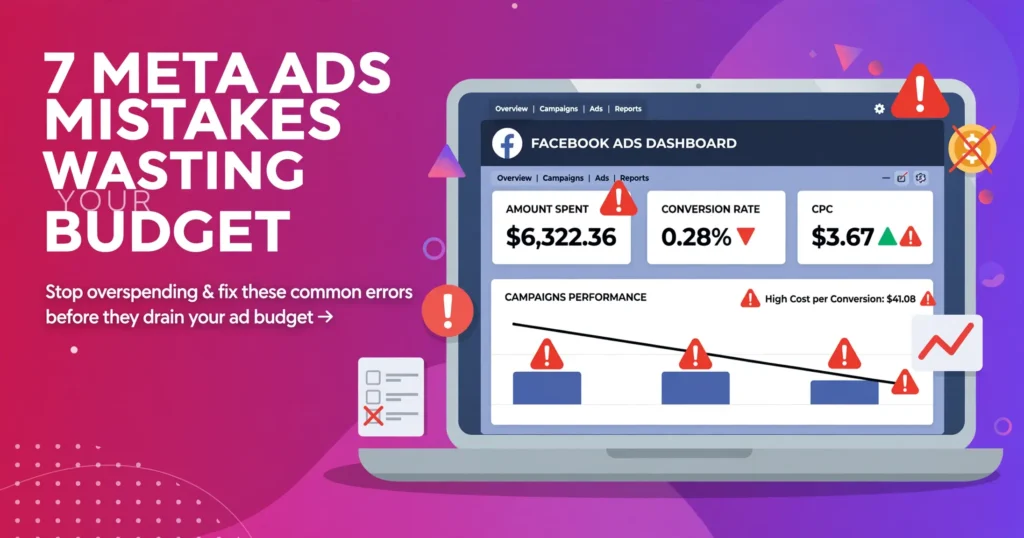
Meta Ads, which covers advertising on Facebook and Instagram, rarely fails because the platform is broken. It usually underperforms because of setup and strategy errors that quietly waste budget every day. Business owners often tell me they tried Meta Ads once and saw clicks but no sales or enquiries. When I audit those accounts, the cause is almost always one or more of the seven mistakes below. At Marketing By Saira, we see these same seven mistakes wasting ad spend in account audits again and again.
- Unclear campaign objective
- Weak or missing tracking
- Wrong audience targeting
- Creative fatigue
- Weak landing page
- Editing during the learning phase
- No retargeting
Key Statistics
- According to WordStream’s Facebook ads benchmarks, the average click-through rate across all industries is around 0.90% — a much lower CTR is an early warning sign of creative fatigue.
- According to the Baymard Institute, roughly 70% of online shopping carts are abandoned before checkout — the exact revenue a retargeting campaign is built to recover.
- According to DataReportal’s global digital reports, Meta adverts reach billions of people every month — which is why audience targeting, not reach, decides whether budget turns into revenue.
Mistake 1: What Happens When You Run Ads Without a Clear Objective?
Meta optimises delivery for the objective you choose. If you select Traffic but want enquiries, the algorithm finds people who like to click, not people who like to buy.
The fix: Decide on one result first, either purchases, leads, or messages, then choose the matching campaign objective. One campaign should have one goal.
Mistake 2: Why Does Weak Tracking Hurt Meta Ads Performance?
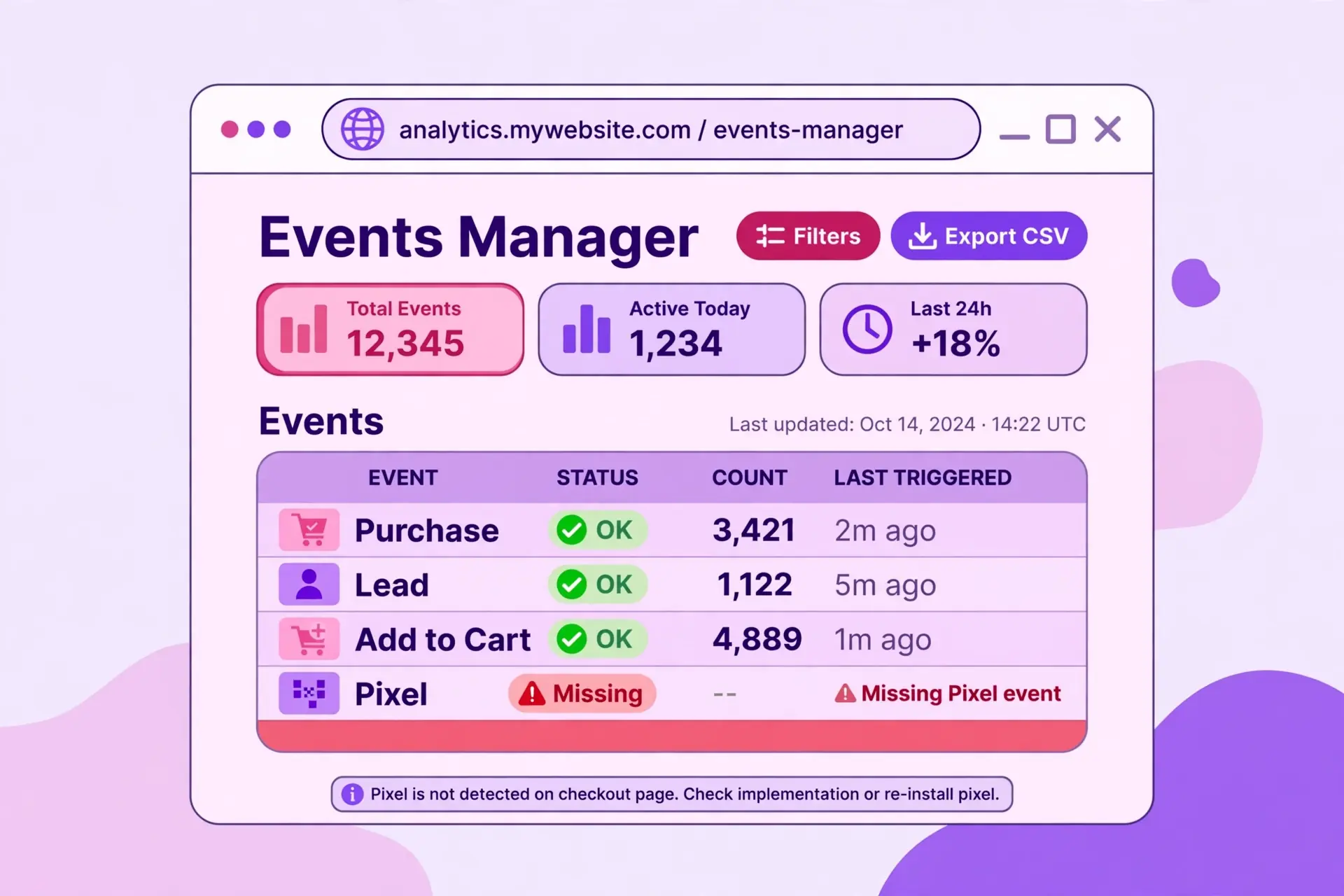
Without proper tracking, Meta cannot see who converts, so it cannot learn who to show your ads to. You also cannot measure what is actually working. Missing or misconfigured Meta Pixel and Conversions API setups are among the most common causes of poor results.
The fix: Install the Meta Pixel, set up the Conversions API, and test key events such as Purchase, Lead, and Add to Cart before spending. Review Events Manager regularly for errors. (see Meta Business Help Centre)
Mistake 3: Is Your Meta Ads Targeting Too Broad or Too Narrow?
Targeting everyone wastes spend on irrelevant people. Stacking too many interests shrinks the audience and pushes costs up.
The fix: For local businesses in Singapore, start with a sensible location radius and use broad or lightly refined audiences. For e-commerce, test broad, interest-based, and lookalike audiences against each other and keep the winner.
Mistake 4: How Often Should You Change Your Ad Creatives?
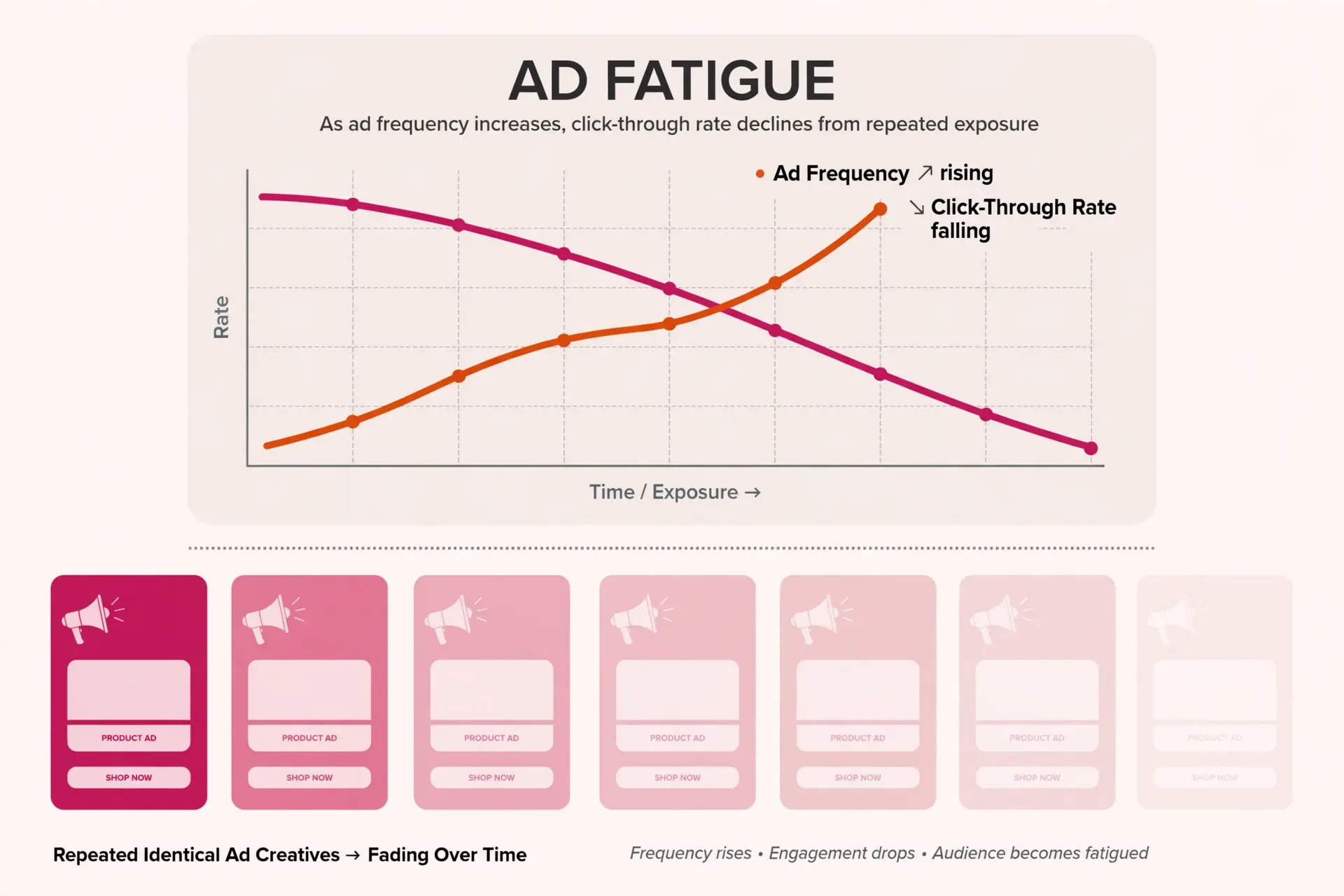
Ad fatigue happens when the same people see the same ad too many times. Click-through rates drop and cost per result rises. As a general guide, refresh creatives every two to three weeks, or sooner if performance dips.
The fix: Test different hooks, formats, and angles. Short videos with a strong first three seconds often outperform static images, but test this with your own audience instead of assuming.
Mistake 5: Can a Weak Landing Page Waste Your Ad Spend?
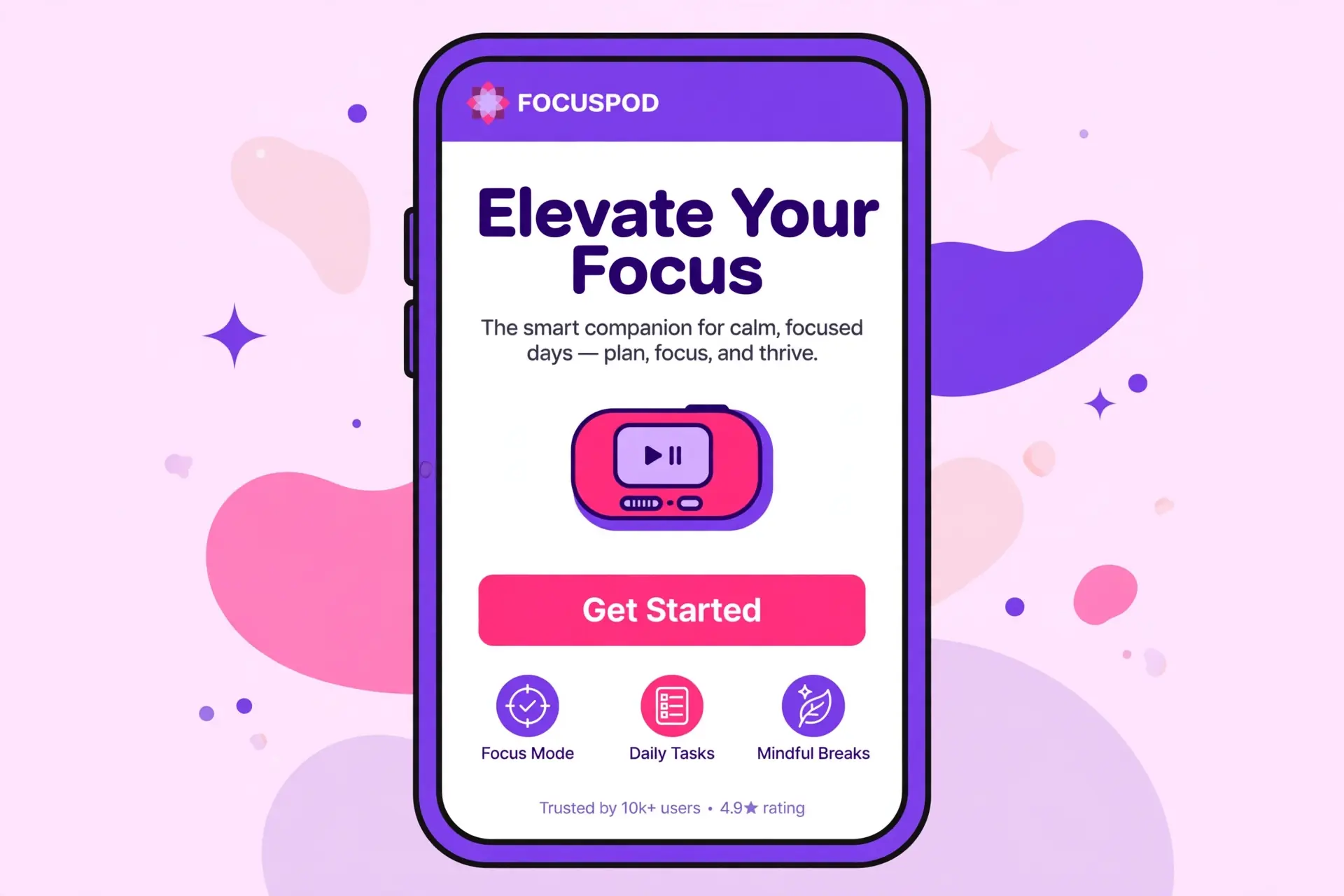
A weak landing page can lose the sale even when the ad itself is strong. Slow load times, confusing layouts, and pages that are not mobile-friendly all kill conversions after the click. Most Meta Ads traffic comes from mobile, so mobile experience matters.
The fix: Make sure the page loads fast, matches the ad’s promise, and has one clear call to action. If the ad offers a free quote, the page should lead straight to the quote form.
Mistake 6: What Is the Meta Ads Learning Phase and Why Should You Avoid Editing It?
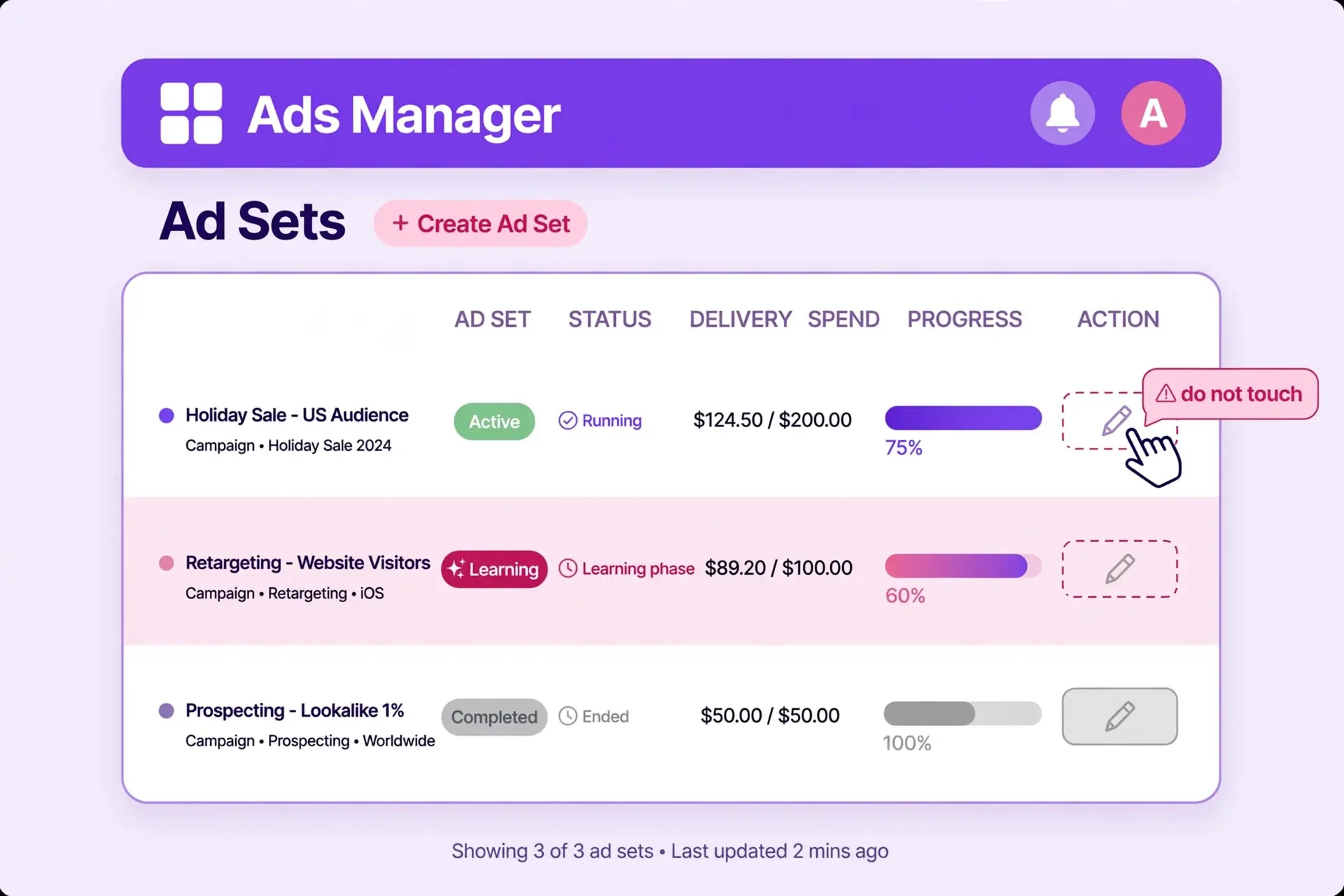
The learning phase is the period when Meta’s algorithm gathers data to optimise delivery. Meta generally needs around 50 optimisation events per week per ad set to exit it. Frequent changes to budget, audience, or creative reset this process, so the algorithm never stabilises.
The fix: Give each ad set time to gather data before making big changes. Change one variable at a time so you know what caused any shift in results.
Mistake 7: Why Is Retargeting Important in Meta Ads?
Most people do not buy on first contact. Without retargeting, you leave easy conversions behind: website visitors, cart abandoners, video viewers, and page engagers.
The fix: Build a simple retargeting campaign for warm audiences using testimonials, reviews, or a limited-time offer to bring them back.
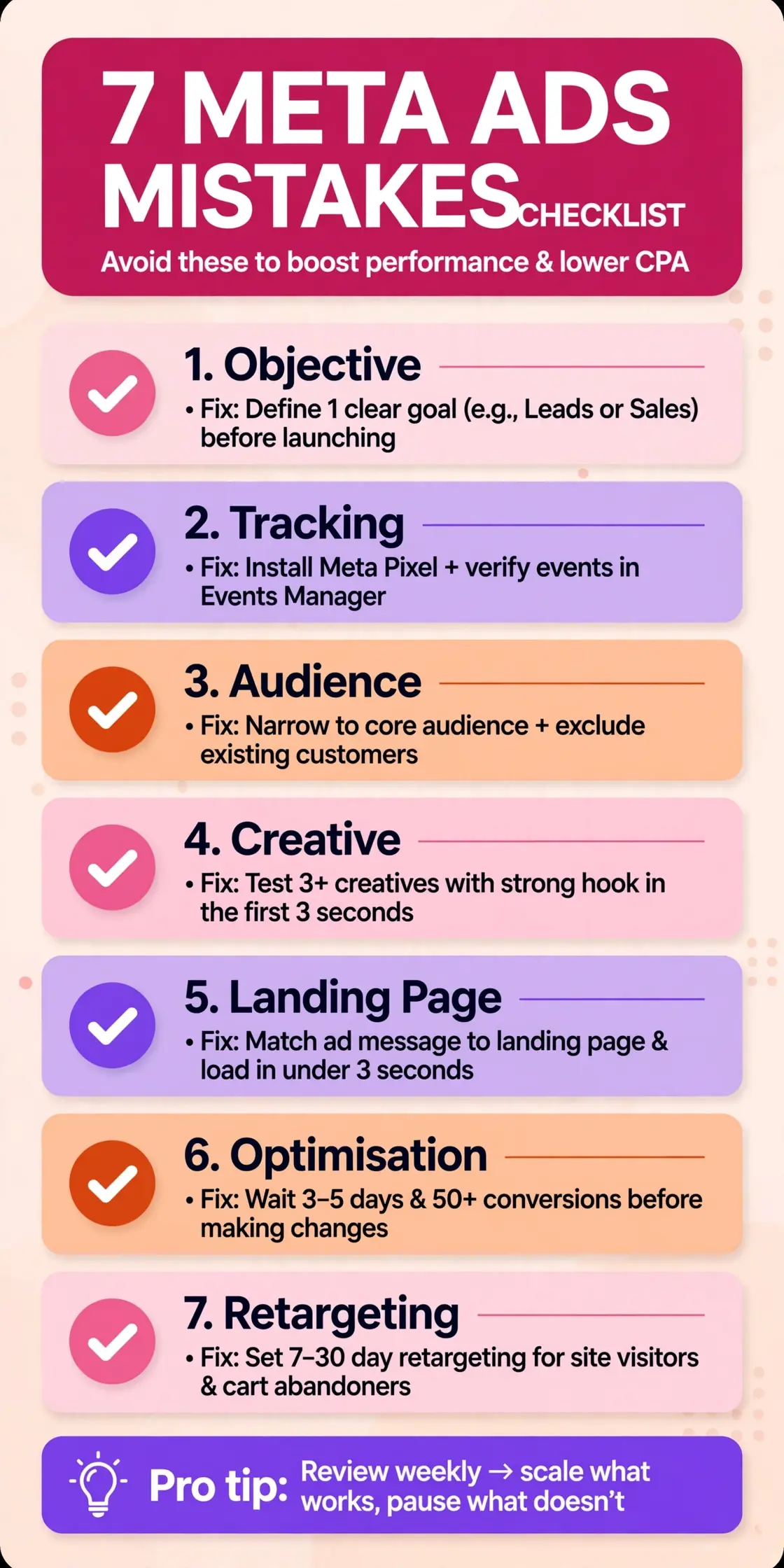
Meta Ads Mistakes Checklist
| Area | Check |
|---|---|
| Objective | One campaign, one clear goal |
| Tracking | Pixel and Conversions API tested |
| Audience | Location and targeting tested, not guessed |
| Creative | Refreshed every 2 to 3 weeks |
| Landing page | Fast, mobile-friendly, one clear CTA |
| Optimisation | No big edits during learning phase |
| Retargeting | Warm audience campaign running |
Frequently Asked Questions
Why are my Meta Ads getting clicks but no sales?
This usually points to a tracking issue, a mismatched campaign objective, or a weak landing page. Check that your Pixel and Conversions API are recording purchases or leads correctly, then review whether your landing page matches the ad.
How long does it take for Meta Ads to start working?
Most ad sets need several days to exit the learning phase, and meaningful results often take two to four weeks of consistent data. Avoid judging performance in the first 48 hours.
How often should I change my Meta Ads creatives?
Refresh creatives roughly every two to three weeks, or when you see rising frequency and falling click-through rates.
Is Meta Ads good for small businesses in Singapore?
Yes. With location targeting, local businesses can reach nearby customers on Facebook and Instagram, and e-commerce brands can scale with retargeting and lookalike audiences.
What is the most common Meta Ads mistake?
Poor tracking setup. Without accurate conversion data, every other optimisation is based on guesswork.
Final Thoughts
Meta Ads can be a highly profitable channel for e-commerce and local businesses when the foundations are right. Fix tracking first, then creative, then campaign structure, and the same budget will go much further.
Not sure where your own account is leaking money? Marketing by Saira offers Meta Ads management, Google Ads, SEO, and content strategy for e-commerce and local businesses in Singapore and the UK. Get in touch for a review of your Meta Ads setup and a clear action plan.