
By Saira, Founder of Marketing by Saira | Digital marketer working with e-commerce and local businesses in Singapore and the UK | Last updated: October 2026
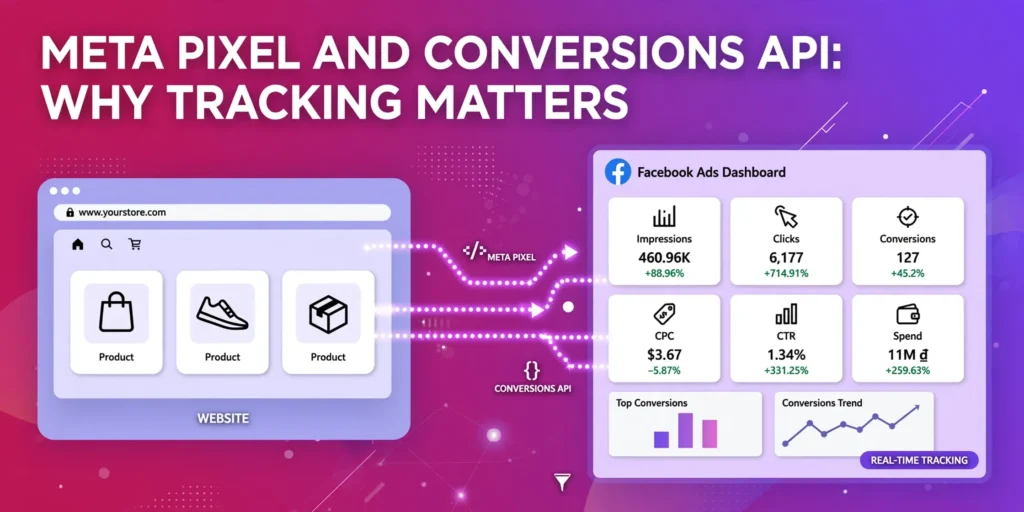
When I audit a Meta Ads account that is not performing, the first place I look is not the ad creative. It is Events Manager. More often than not, the Pixel is missing events, firing twice, or sending poor data. Most of these problems come down to a faulty Meta Pixel and Conversions API setup. Here is what the Meta Pixel and Conversions API actually do, and how to set them up properly.
Quick answer: The Meta Pixel is a code on your website that tracks visitor actions through the browser. The Conversions API (CAPI) sends the same actions directly from your server to Meta. Used together, the Meta Pixel and Conversions API give Meta a complete, reliable picture of your conversions.
What Is the Meta Pixel?
The Meta Pixel is a small piece of JavaScript code placed on your website. When someone views a page, adds a product to cart or buys, the Pixel records that action as an “event” and sends it to Meta from the visitor’s browser.
This is exactly why the Meta Pixel and Conversions API matter: Meta uses these events to find more people likely to take the same action, to build retargeting audiences and to optimise delivery towards conversions. Without events, Meta is effectively blind.
What Is the Conversions API?
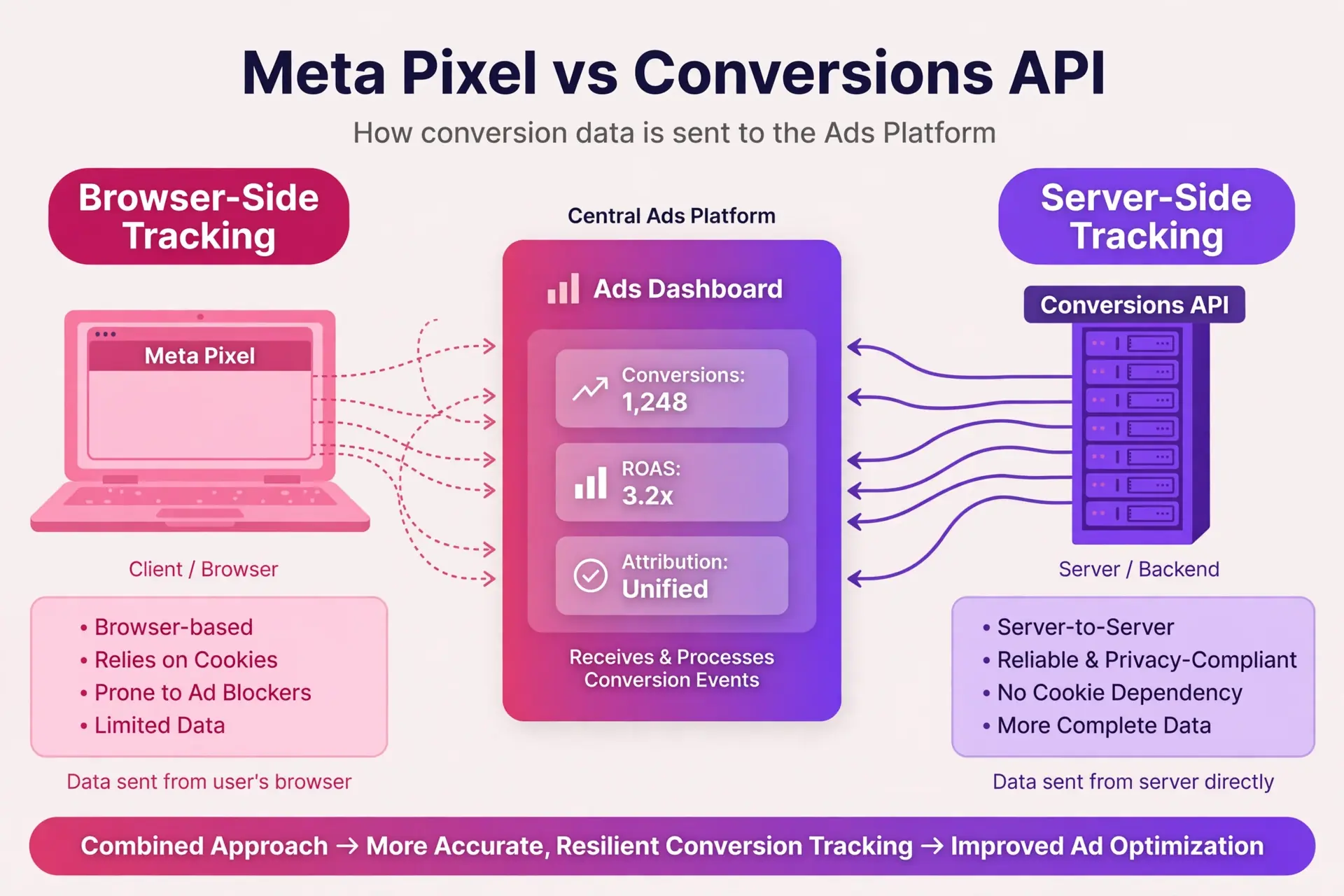
The Conversions API is a way for your website server (or CRM) to send events directly to Meta, without going through the visitor’s browser. That makes the Meta Pixel and Conversions API combination far less affected by ad blockers, browser privacy limits and cookie expiry.
In this guide:
- Why Meta Ads tracking matters
- Pixel vs Conversions API
- Why you need both
- Deduplication
- Which events to track
- How to set it up on WordPress
- How to test and fix tracking
- Privacy and consent
Why Does Tracking Matter for Meta Ads?
Meta’s algorithm learns from conversion data. If it cannot see who buys or enquires, it cannot learn which people to show your ads to. Poor tracking leads to higher costs, weaker optimisation, smaller retargeting audiences and reports you cannot trust. Tracking errors are also mistake 2 in our guide to 7 Meta Ads Mistakes.
What Is the Difference Between the Meta Pixel and Conversions API?
| Meta Pixel | Conversions API | |
|---|---|---|
| Where it runs | Visitor’s browser | Your server or CRM |
| Depends on cookies | Yes | No |
| Affected by ad blockers and iOS limits | Yes | Much less |
| Best for | Page views, clicks, on-site actions | Purchases, leads, offline and CRM events |
| Setup difficulty | Easy | Moderate (easy with plugins) |
Do You Need Both the Pixel and Conversions API?
Yes, Meta recommends using both the Meta Pixel and Conversions API together. Browser limits such as iOS privacy changes, cookie restrictions and ad blockers mean the Pixel alone misses conversions. The Conversions API fills those gaps from the server side. Using both also improves event match quality and gives you more reliable reporting.
What Is Event Deduplication?
When the Meta Pixel and Conversions API both send the same purchase, Meta needs to count it once, not twice. That is what deduplication does.
The fix: Make sure your Meta Pixel and Conversions API setup sends a matching event ID with both the browser and server versions of each event. Most plugins and partner integrations handle this automatically, so you normally only need to worry about it with custom setups.
Which Events Should You Track?
Track the actions that matter to your business, not everything.
For e-commerce: ViewContent, AddToCart, InitiateCheckout, Purchase (with value and currency)
For local businesses and lead generation: Lead, Contact, Schedule, CompleteRegistration
Always pass the purchase value and currency, so Meta can optimise for revenue and you can calculate ROAS. Accurate purchase values also let you calculate ROAS; see our guide on How to Improve Meta Ads ROAS.
What Is Event Match Quality?
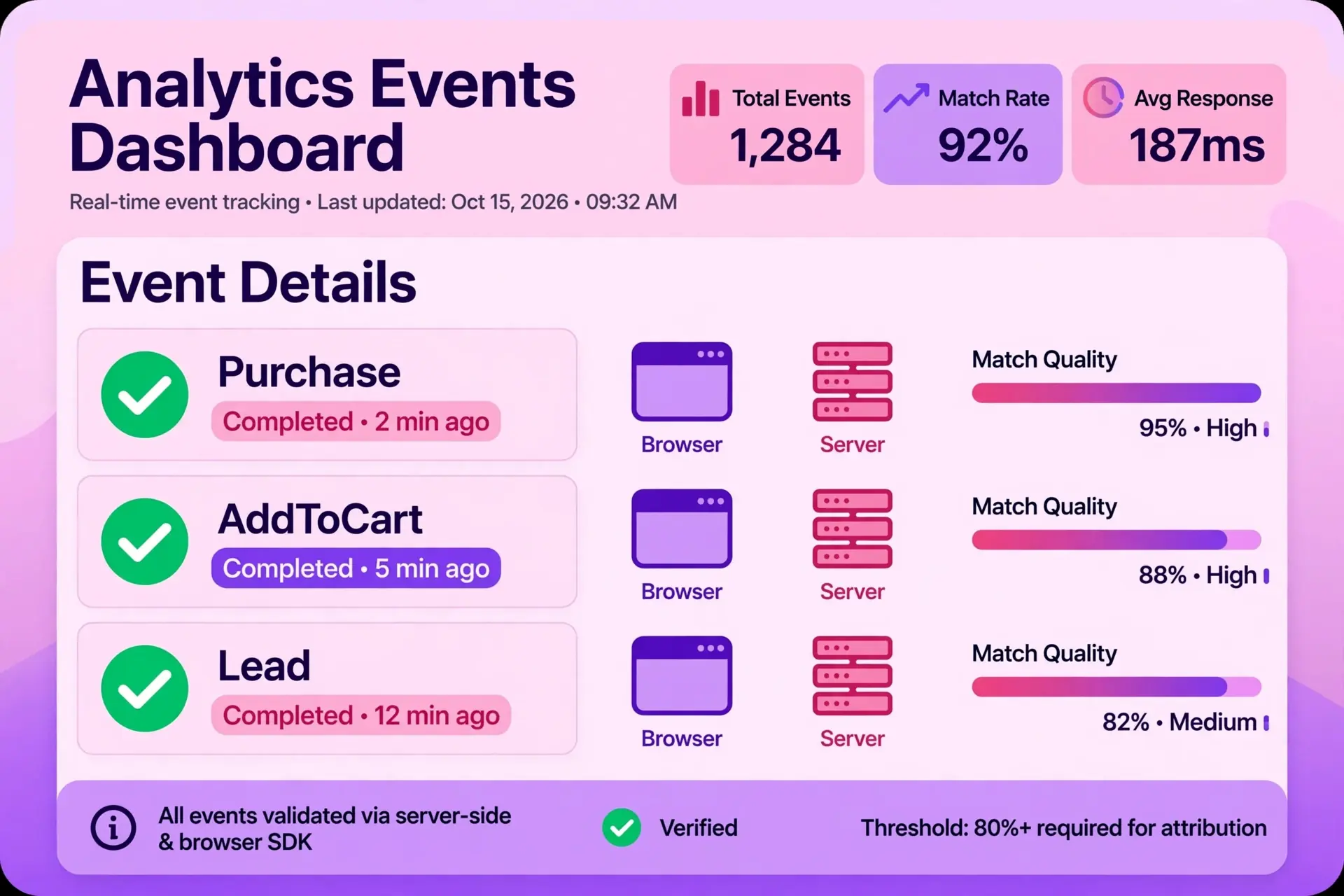
Event match quality is a score in Events Manager that shows how well the customer information you send matches a Meta user. A higher score means better attribution from your Meta Pixel and Conversions API data.
How to improve it: Send more customer parameters where you have consent, such as email, phone number, name and location, and keep the data clean and correctly formatted.
How Do You Set Up the Meta Pixel and Conversions API on WordPress?
There are three common routes:
- WooCommerce store: Use the official Facebook for WooCommerce plugin, which supports both the Pixel and Conversions API.
- Lead generation or service websites: Use a trusted plugin such as PixelYourSite or a Google Tag Manager setup, and connect the Conversions API through it.
- Developer route: Use server-side Google Tag Manager or a direct API integration if you need full control.
Basic steps:
- Open Meta Events Manager and create or select your Pixel (dataset).
- Connect it to your website through your chosen plugin.
- Turn on the Conversions API and add your access token where required.
- Select the events you want to track.
- Test everything before running ads.
(See the Meta Business Help Centre for step-by-step guides.)
How Do You Test Whether Your Meta Tracking Is Working?
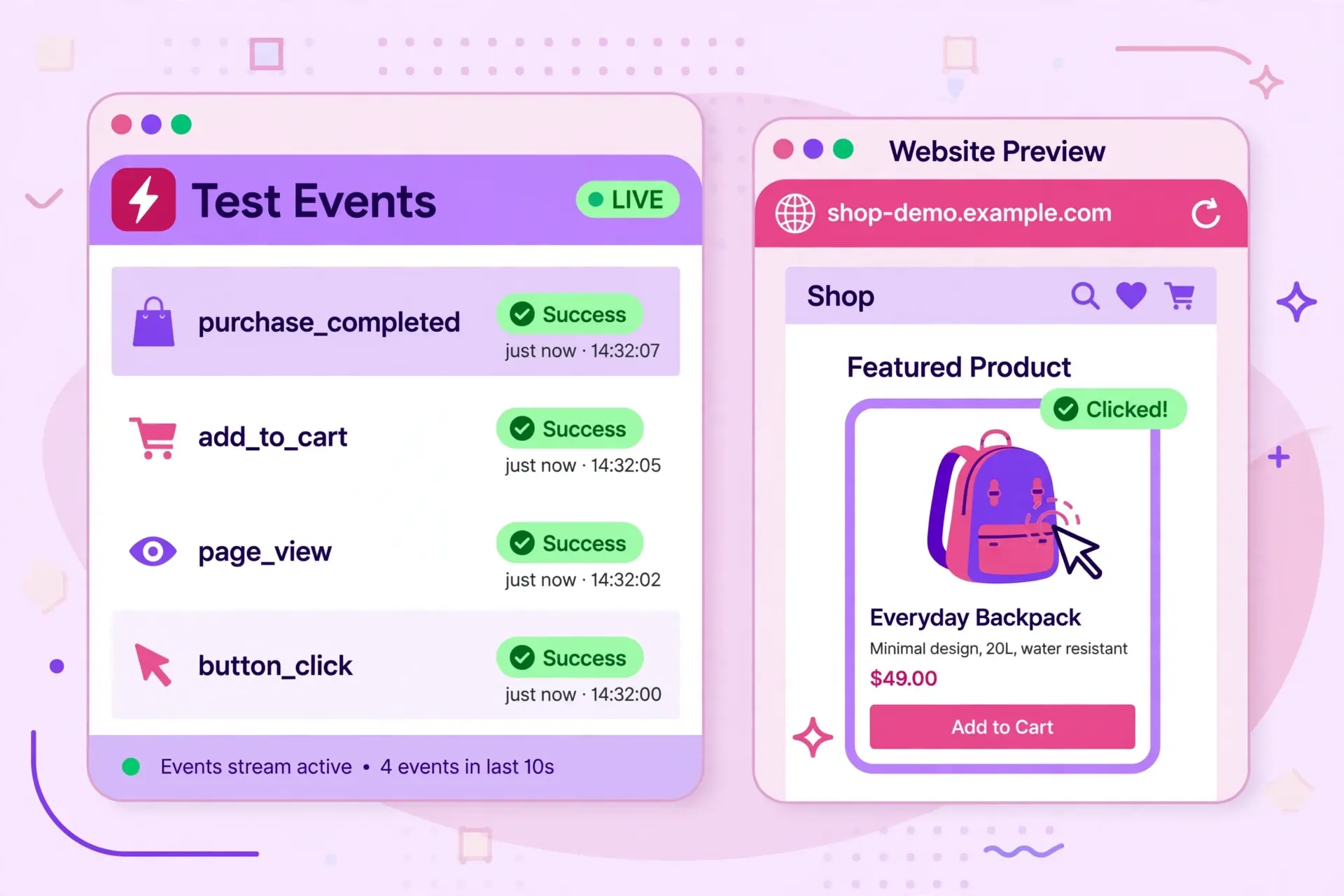
Use Events Manager’s Test Events tool and the Meta Pixel Helper browser extension. Open your website, perform the actions yourself (view a product, add to cart, submit a form) and confirm each event appears.
Check these:
- Events arrive from both browser and server
- No duplicate events are being counted
- Purchase events include value and currency
- Event match quality is reasonable, and no warnings or errors show up
- Ads Manager numbers are roughly in line with your actual store or CRM numbers (small differences are normal)
What About Privacy and Consent?
Tracking must follow local privacy rules. For Singapore, this means the PDPA, and for UK visitors, UK GDPR and cookie consent requirements. Use a cookie consent banner, send customer data only where you have a lawful basis, and keep your privacy policy updated to mention tracking. If you are unsure, check with a legal professional.
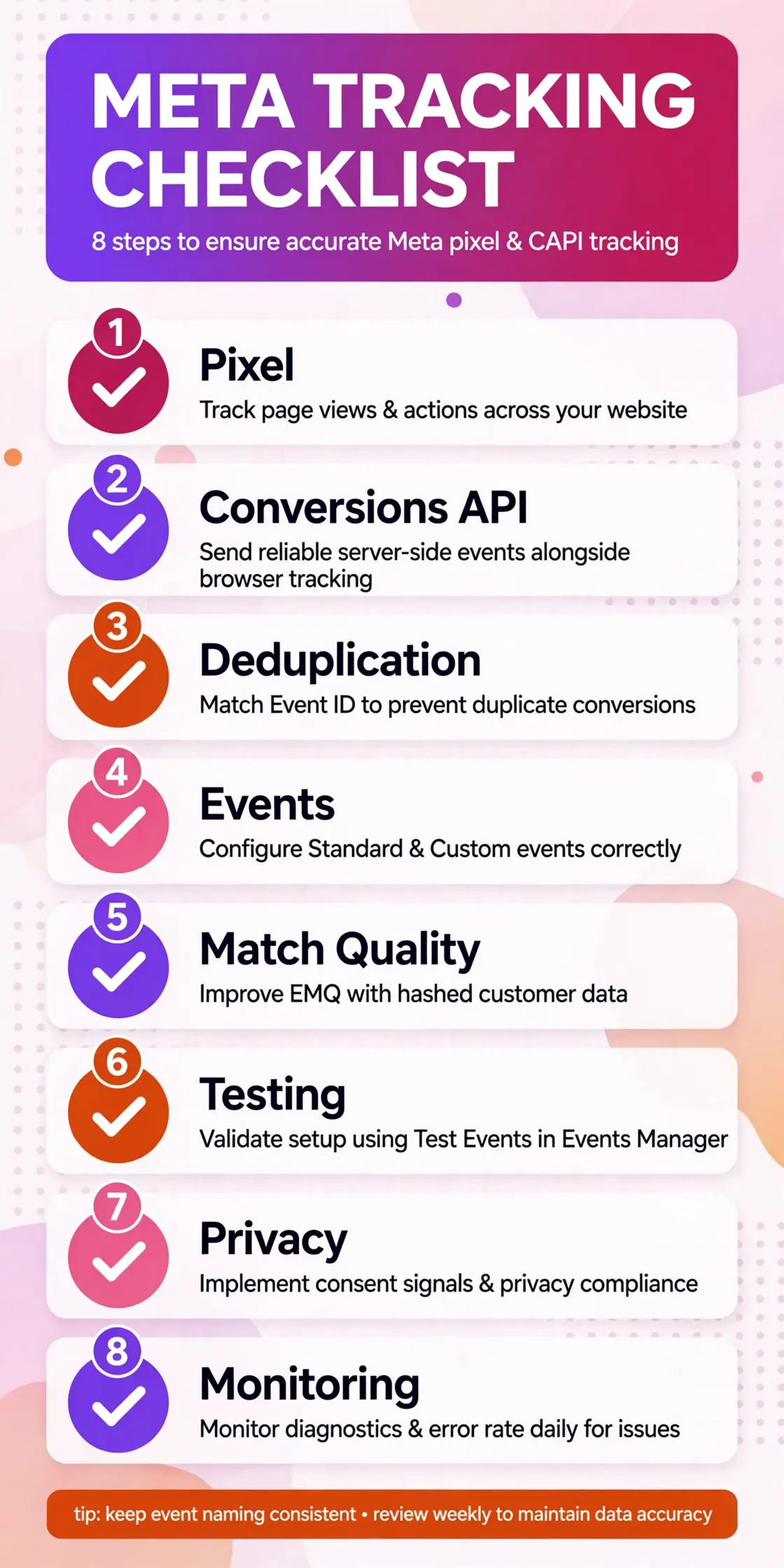
Meta Tracking Checklist
| Area | Check |
|---|---|
| Pixel | Installed and firing on all key pages |
| Conversions API | Connected and sending events |
| Deduplication | Event IDs match, no double counting |
| Events | Purchase or Lead tracked with correct value |
| Match quality | Customer parameters sent where consented |
| Testing | Verified in Test Events and Pixel Helper |
| Privacy | Consent banner and privacy policy in place |
| Monitoring | Events Manager reviewed regularly |
Frequently Asked Questions
Is the Meta Pixel enough, or do I need the Conversions API too?
The Pixel still works, but it can miss conversions because of browser privacy limits and ad blockers. Meta recommends using both together so that you capture more complete data.
Why does Meta show fewer purchases than my store?
Common reasons include missing Conversions API setup, ad blockers, attribution window differences and tracking errors. Small gaps are normal, but a big gap means you should audit your setup.
What is the Meta Pixel in simple words?
It is a small tracking code on your website that tells Meta what visitors do after clicking your ad, such as viewing a product or making a purchase.
Can I use the Conversions API without a developer?
Yes. Many WordPress and e-commerce plugins, and partner integrations, can set it up without writing code. A developer is only needed for custom setups.
How long does it take to set up Meta tracking properly?
A basic setup with a plugin can take one to two hours. Testing and fixing issues can take longer, so allow time before launching your campaigns.
Final Thoughts
Good Meta Ads performance starts with good data. Set up the Pixel and Conversions API together, check deduplication, track the right events and test before you spend. Accurate tracking makes every other optimisation, from creatives to scaling, work better.
Not sure if your tracking is set up correctly? Marketing by Saira offers Meta Ads management, Google Ads, SEO and content strategy for e-commerce and local businesses in Singapore and the UK. Get in touch for a review of your tracking setup and a clear action plan.